Interface preview
How UltraScreen looks in action
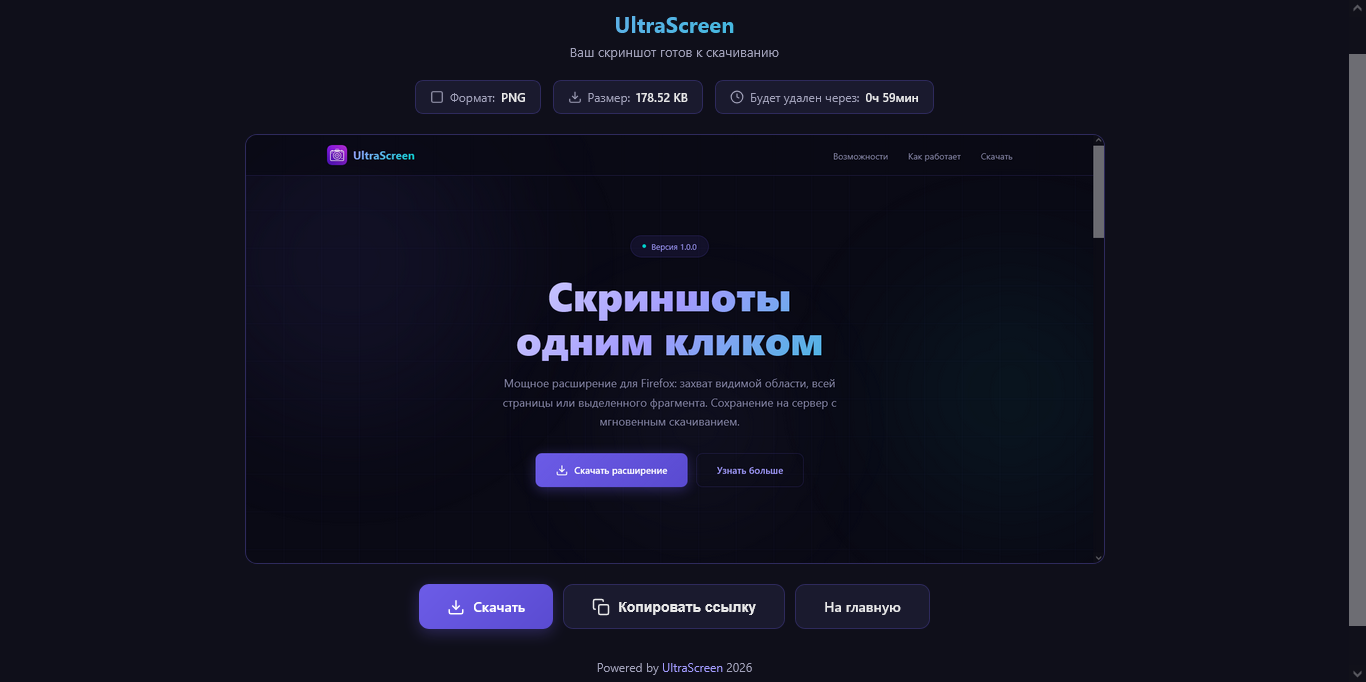
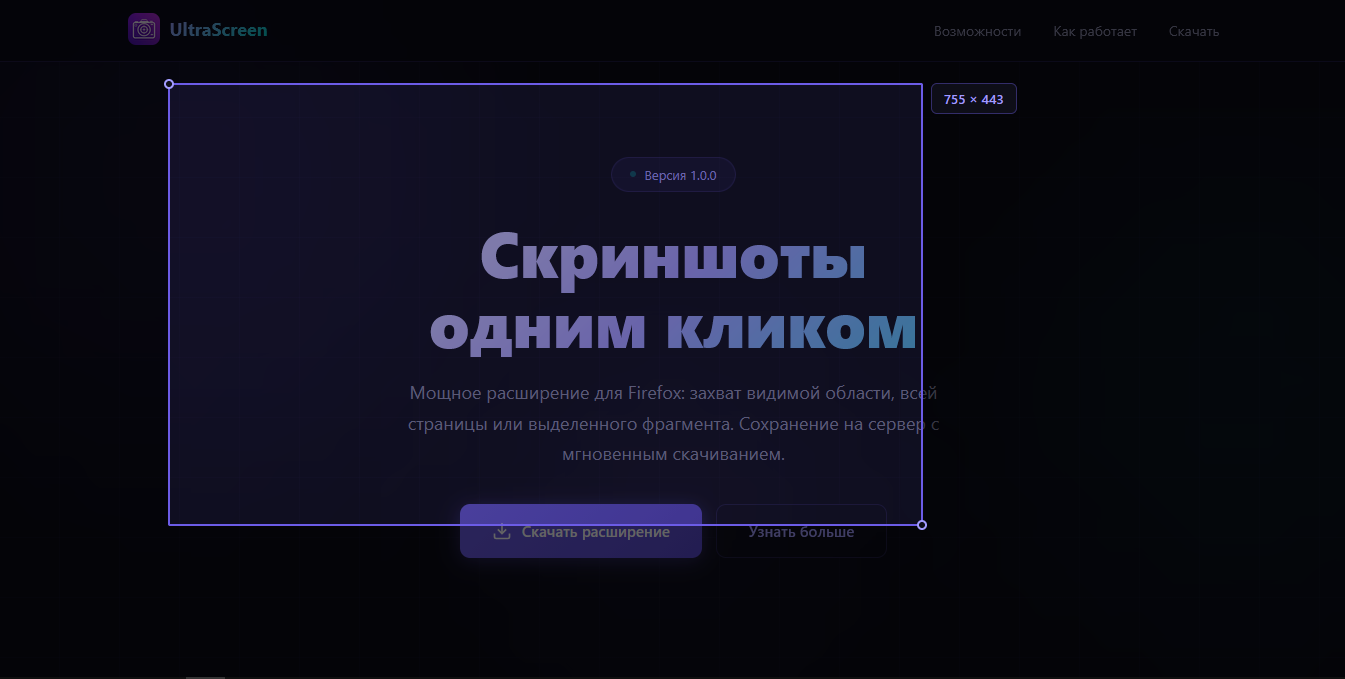
A powerful extension for Firefox and Chrome: capture the visible area, the entire page, or a selected fragment. Save to the server with instant download.
UltraScreen provides a complete set of screen capture tools with a clean and lightweight interface.
Instantly capture what you see on the screen. One click and the screenshot is ready.
Take a screenshot of a page of any length — from header to footer in seconds.
Precisely capture the fragment you need. Screenshot exactly within your bounds, pixel-perfect.
Capture the full browser screen. Perfect for demonstrating the interface. Easy and simple.
No extra steps or wasted time — one button to save to your computer.
Choose the format (PNG, WebP), adjust the compression quality, and take a screenshot.
From installation to a ready screenshot — less than 30 seconds
Download UltraScreen from the Firefox or Chrome add-on catalog.
Click the extension icon and select the screenshot type.
Download the screenshot in one click without quality loss.
The extension is free and works on all platforms — Firefox, Firefox Android, and Chrome.